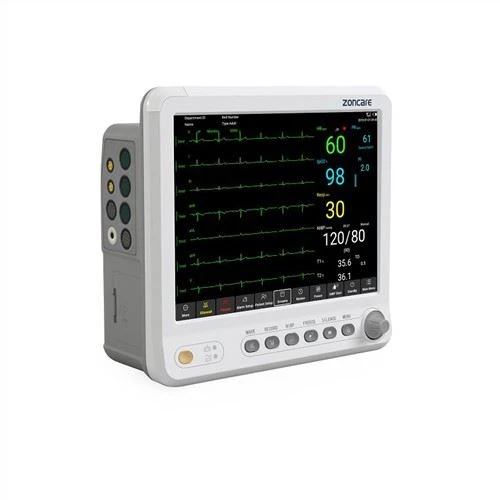
I believe that many people have encountered this situation. The monitor suddenly fails to respond and a black screen appears. At this time, many people will be at a loss. So what are the faults of the monitor?
Black screen
The power indicator does not light up, and the display does not display: Troubleshooting: check whether the power supply is normal; check whether the power fuse is normal; check whether the power switch is normal; check whether the power module is normal; check whether the internal connection wire is off; the power indicator is on and display The screen does not display:
Huaping
Troubleshooting: Check whether there are interference sources near the machine; check whether the inverter input voltage is stable
Dark screen
Troubleshooting: check whether the brightness adjustment is in a low position; check whether the brightness adjustable potentiometer is normal; check whether the backlight tube is normal; check whether the display screen is normal; check whether the performance of the display driver board is normal; check whether the inverter input voltage is low ( The power supply part of the system board); Check the performance variation of the inverter;
Water ripple interference
Troubleshooting: Check whether there is an interference source near the machine; Check whether the casing of the display screen is well grounded; Check whether the displayed video cable has an interference source (such as placed near the power supply, inverter, etc.); Check whether the power supply filter capacitor is damaged or Leakage; Check the performance of the display driver board.
Incomplete display
Check whether the software settings are correct; check whether the central processing unit is normal; check whether the internal wiring is in good contact; check whether the display screen is damaged; check whether the performance of the display driver board is normal.